Discover The World Around You Discover The World Around You
Rebel Shop Geek Store

Subscribe

LED Ring Turns Your Marriage Proposal Into A Tech Fest

Diana Adams Pinterest Promotion Ad
MOST RECENT RETWEETERS
Retweet Match Help Button
 
Default Retweeter Profile Image
Tweet Article To Promote Yourself Here
Default Retweeter Profile Image
Tweet Article To Promote Yourself Here
Default Retweeter Profile Image
Tweet Article To Promote Yourself Here


Previous Article
Check Out More Of Our Geekery
Next Article
share
Pin It

The Beauty Of Selective Color Photography [10 Pics]

Color Splash iPhone App

I’ve always been interested in photography, but it wasn’t until I got my iPhone 4 that my passion for photography really came alive. There are just so many incredible free photography apps to download that I could spend all my spare time doing nothing but playing with new apps. Photoshop is another little gem that is fun to play around with when it comes to photographs.

About a month ago, I took a picture of my face. I used a nifty little iPhone app to instantly make it black and white. After that, I opened that picture in Photoshop and learned how to make my eye color green. In the end, I had a black and white picture with green eyes. It turned out really wicked!

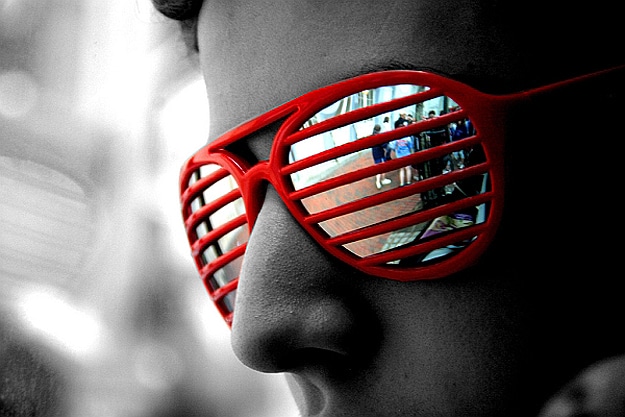
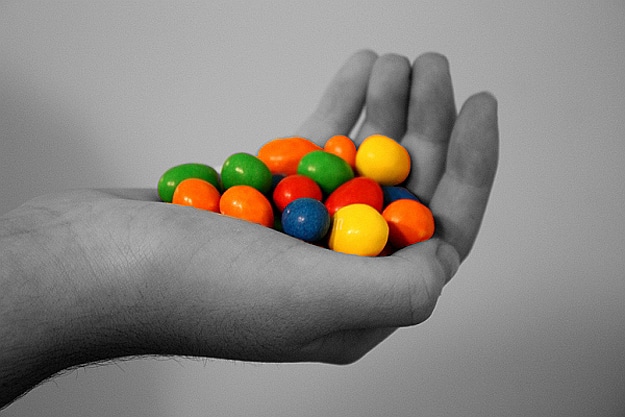
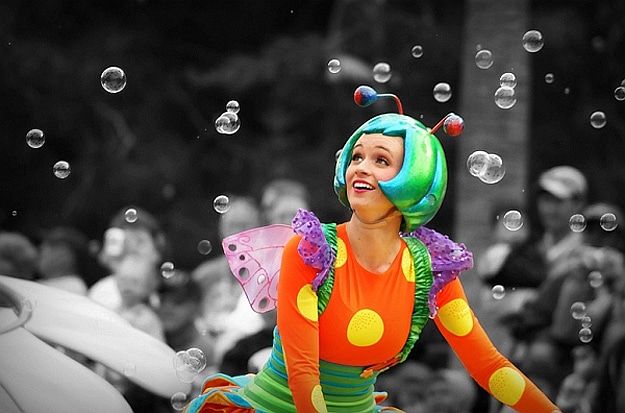
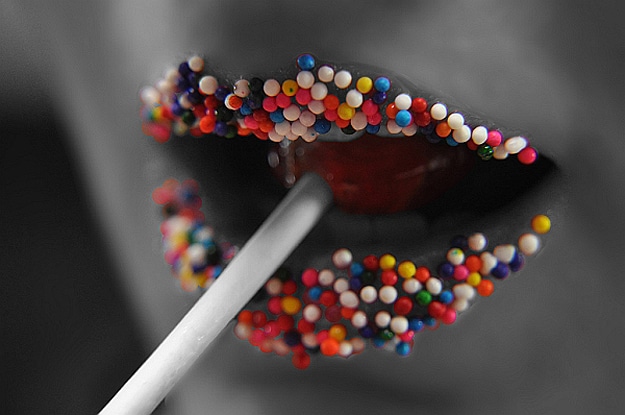
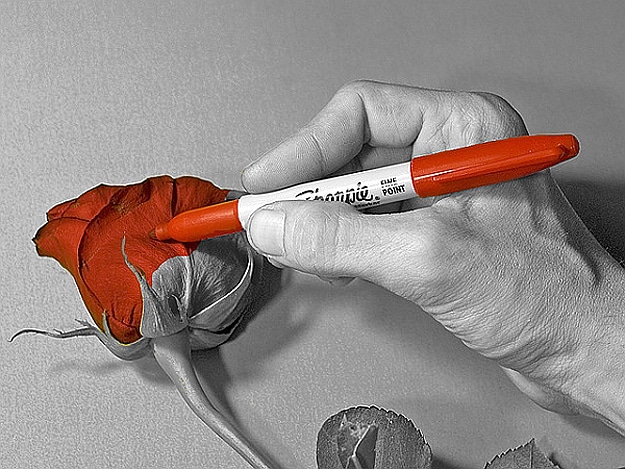
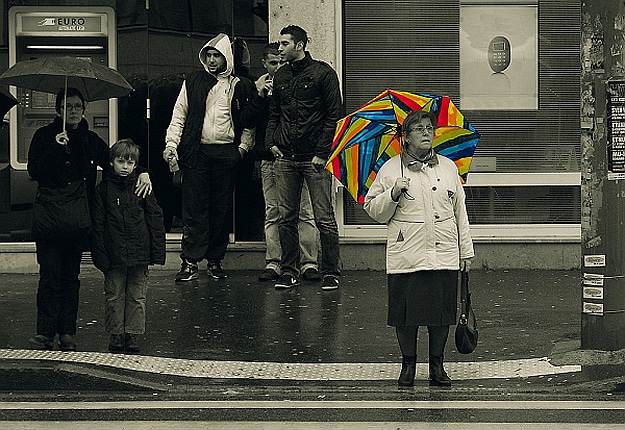
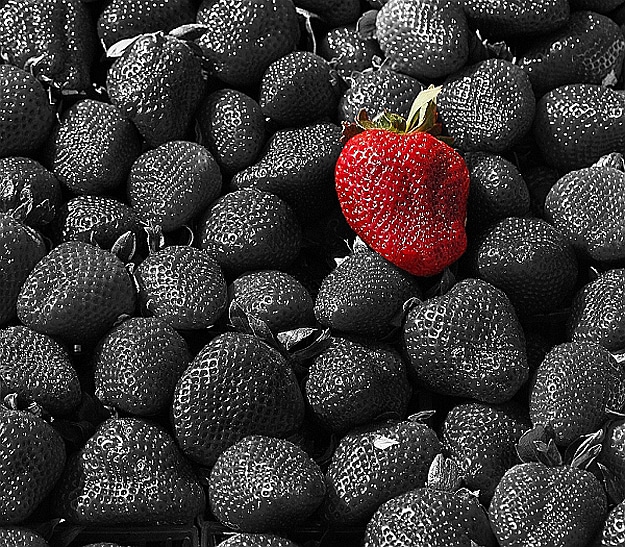
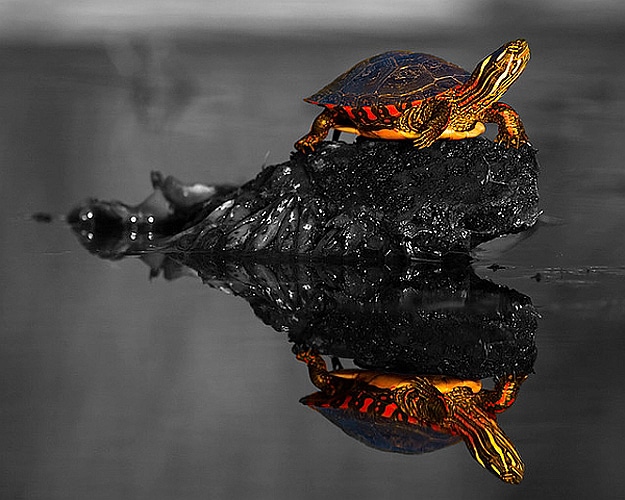
Selective color is a post-processing technique where a photo is converted to black and white, but some parts are left in color. As you see in the photographs below, it creates a really stunning look. It used to be that we had to have some sort of photo editing software, like Photoshop, in order to achieve this look.

However, did you know you can also get this look with your iPhone? Color Splash is a great app to check out for this look. It’s an award-winning app that has consistently been in the top 10 iPhone photography apps in the US ever since it was released. It’s also now in the coveted Apple Store Hall of Fame. If you haven’t gotten this app, I recommend you stop what you are doing and grab it now at Color Splash. It is also available now for the iPad, get that version here.

Another iPhone/iPod touch/iPad app you might want to check out is Dash of Color. It’s free, it’s rated 4+, and it “transforms black and white pics into dramatic works of art.” If you are a Photoshop fan, and want to get this look the good ‘ol fashioned way, I found this neat little Adobe Photoshop Selective Color Tutorial. With all the amazing apps and software available today, we don’t have to be a professional photographer to create stunning, creative photographs. Here is just a small sampling of some beautiful selective color photos I found to share with you. Enjoy!

Color Splash iPhone App

Color Splash iPhone App

Color Splash iPhone App

Color Splash iPhone App

Color Splash iPhone App

Color Splash iPhone App

Color Splash iPhone App

Color Splash iPhone App

Color Splash iPhone App

Color Splash iPhone App

Via: [Pokkisam] [Mashable]


You Might Also Like...
Bit Rebels
I Wanna Eat That…Nintendo DS Lite Cases That Look Like Dessert
SHARES
95
Crusty Zombie Toenails: The Perfect Zombie Gift For The Undead
SHARES
109
Invaluable Tablet Usage Stats For Mobile Marketers [Infographic]
SHARES
276
Calling All Humanoid Aliens: This Is The Officially Licensed TARDIS PC
SHARES
328
Ultra-Portable Vinyl USB Turntable For The Retro Traveler
SHARES
200
 
 
Author Avatar Image Representation

Author: Diana Adams


As the editor and global advertising director for Bit Rebels, Diana spends her days fine-tuning the content for Bit Rebels and working with established companies, startups, app developers and Internet entrepreneurs who want to be associated with the Bit Rebels brand. Diana started with Bit Rebels in July of 2009, three weeks after the site launched. She brought fifteen years of Information Technology experience and a love of everything considered geek with her, and she enjoys the journey each day as the site continues to reach more people and progress at a very fast pace. You can usually find Diana working in the Bit Rebels office located in Atlanta or sitting in the corner of a downtown Starbucks somewhere with her MacBook, iPad, iPhone and a Grande Caramel Macchiato. You can reach Diana at diana@bitrebels.com.

Leave A Comment